Compliance library - mark as not applicable

Hello,
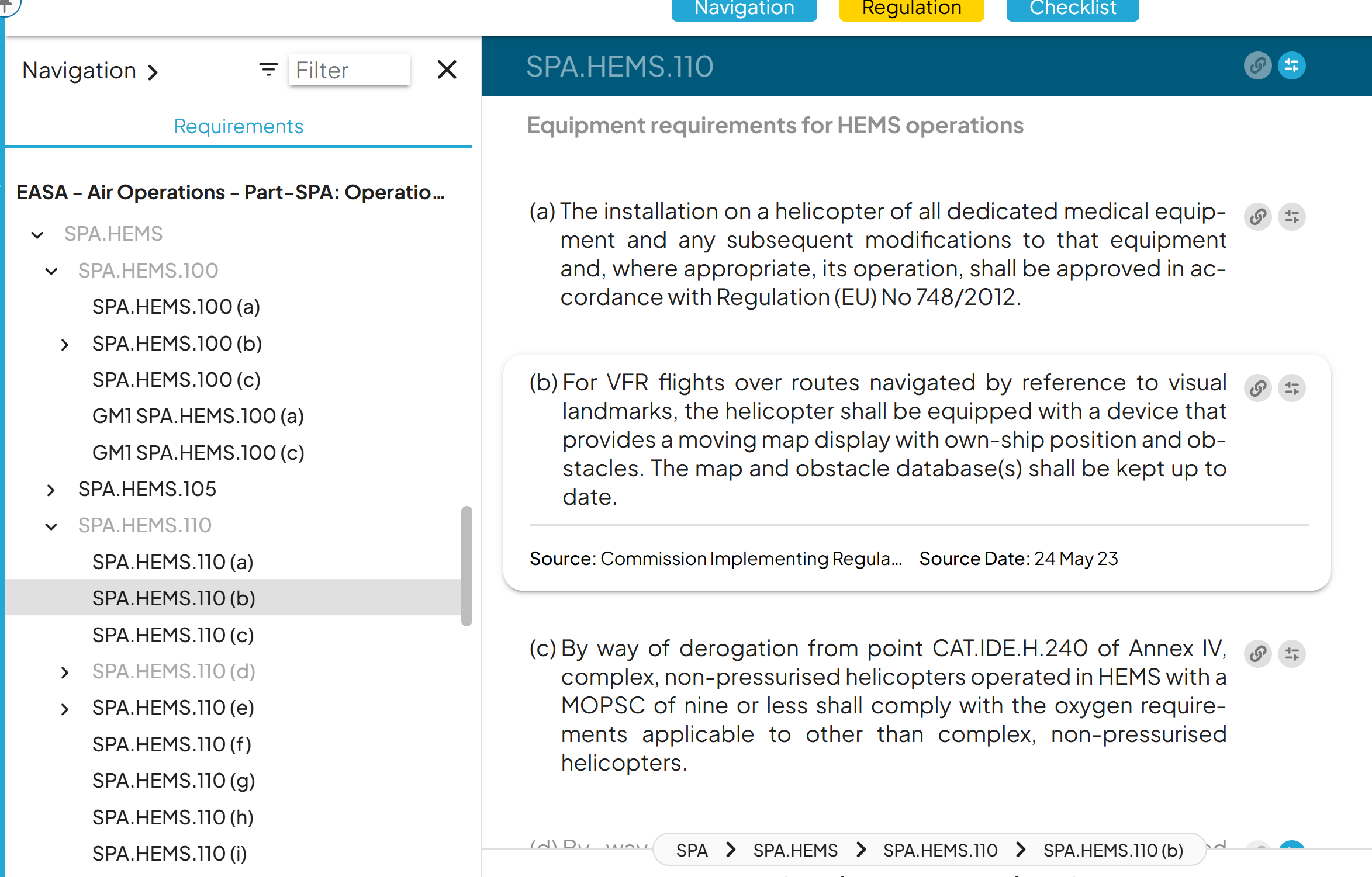
It will be interesting to link the requirements and there sub-requirements when activating to option "Mark as not applicable".
Indeed, if we mark as not applicable the SPA.HEMS.110 for example, then all of its sub-requirements should be mark as not applicable also.
Currently, the "not applicable" has to be done for each sub-requirements. It is time consuming.
1
Comments
I agree. In the old days we had a button where you could set all other requirements in a regulation to ""Not applicable"" What happenend to that button?
Dear Mereana RICHMOND,
It is possible to make all sub-requirements not applicable in one go. To do so, click on Mark as not applicable > Click on the Arrow, next to Update > Update with sub-requirements.
HI Arthur van Eerden, the Not applicable button hasn't disappeared, it is under "Update Applicability", please look at the article "Managing connections" for more information.
Have a good day!
Hi Mereana RICHMOND and Arthur van Eerden!
In addition to what Virginie mentioned above, you can also make requirements not applicable in bulk from the checklist view! That is described by our support team in the article here 🧚♀️
Please sign in to leave a comment.